Track, review, and analyze all interactions users have with your AI agent—whether it’s on your website or integrated platforms like Telegram and Discord.
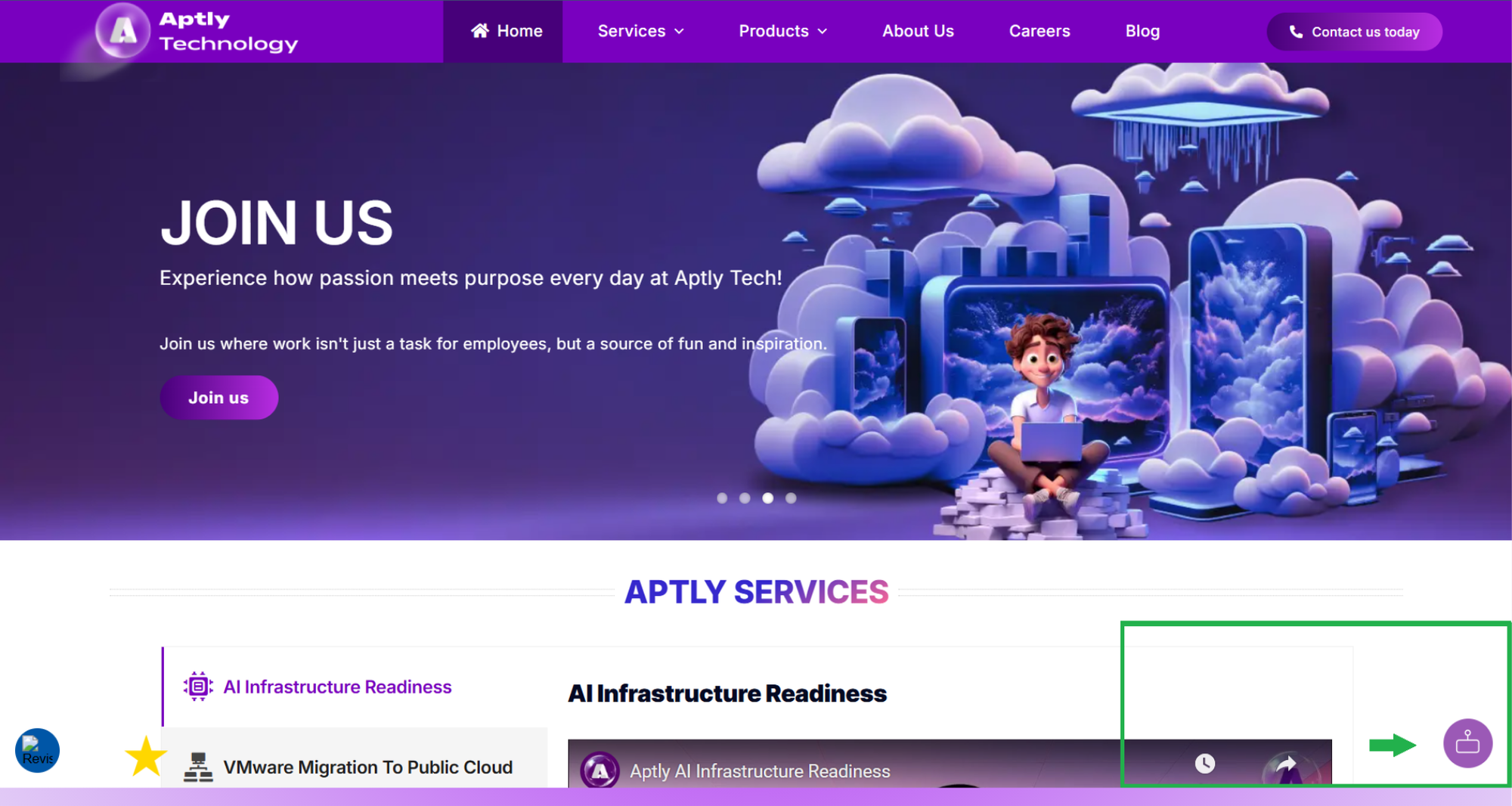
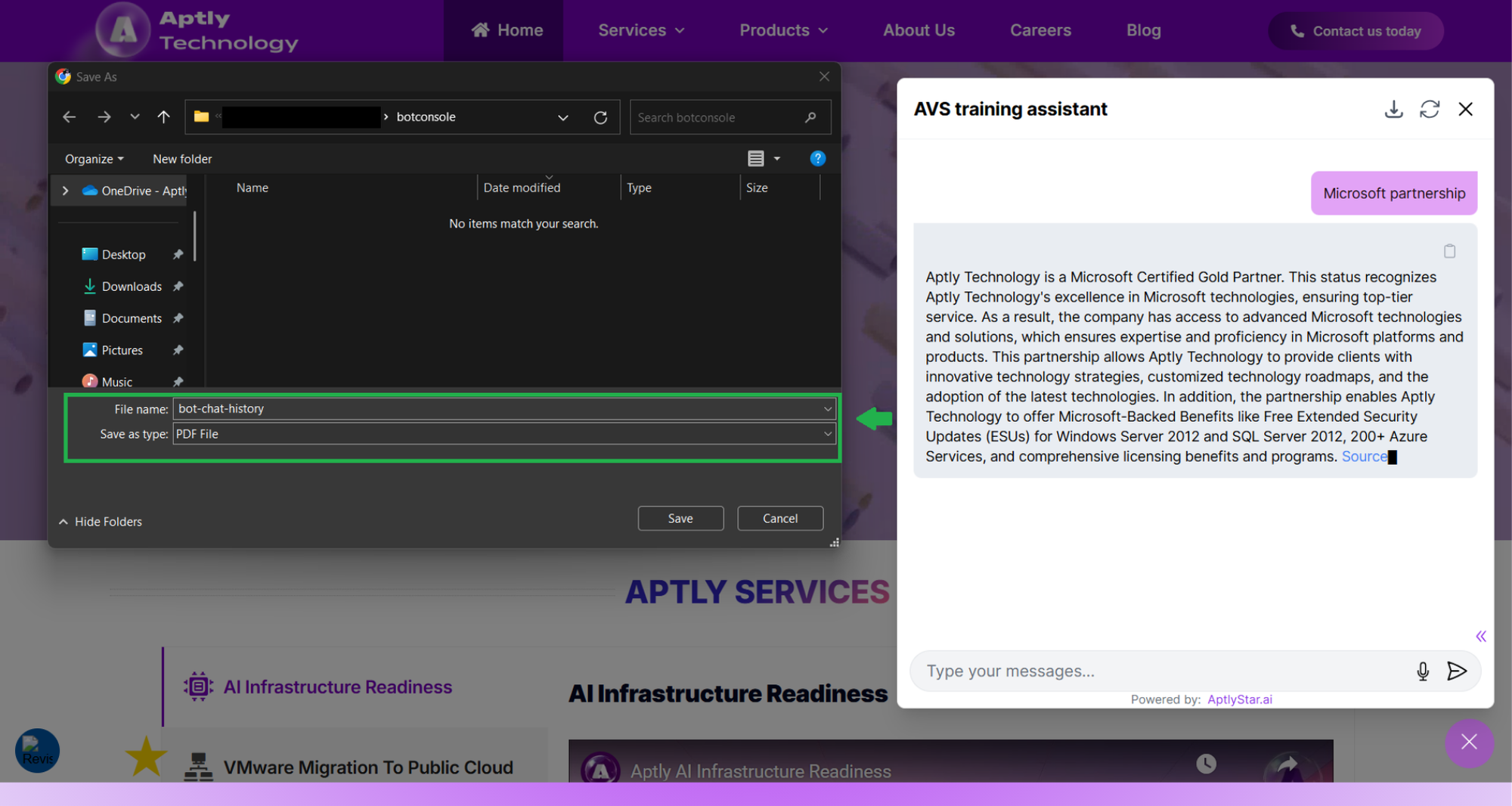
Add the provided HTML embed snippet to your website.Refer to Agent Channel Integration Guide for full setup instructions.Once embedded, your agent will appear as a floating chat icon at the bottom-right of your webpage:
Agent Widget: Website
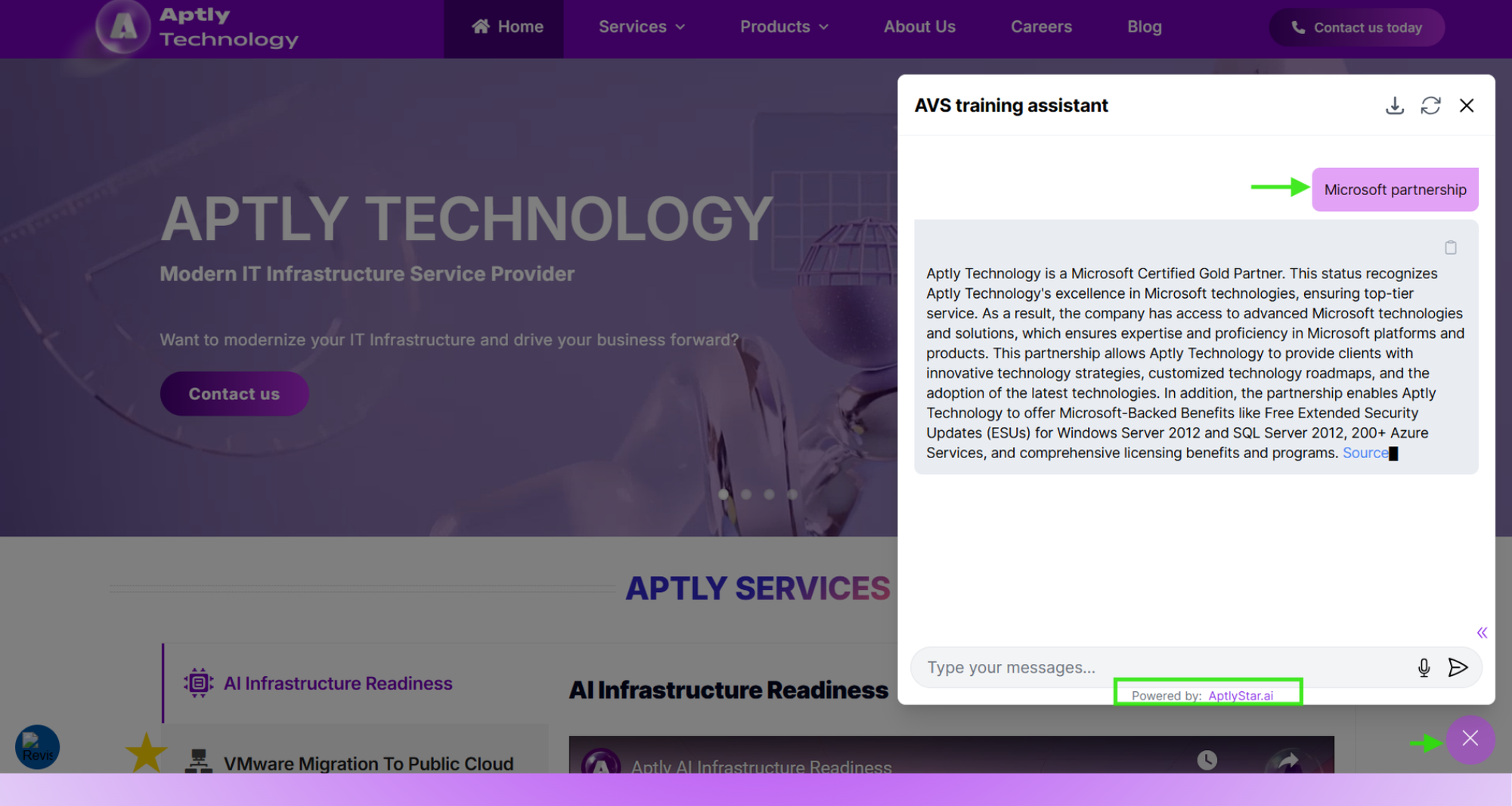
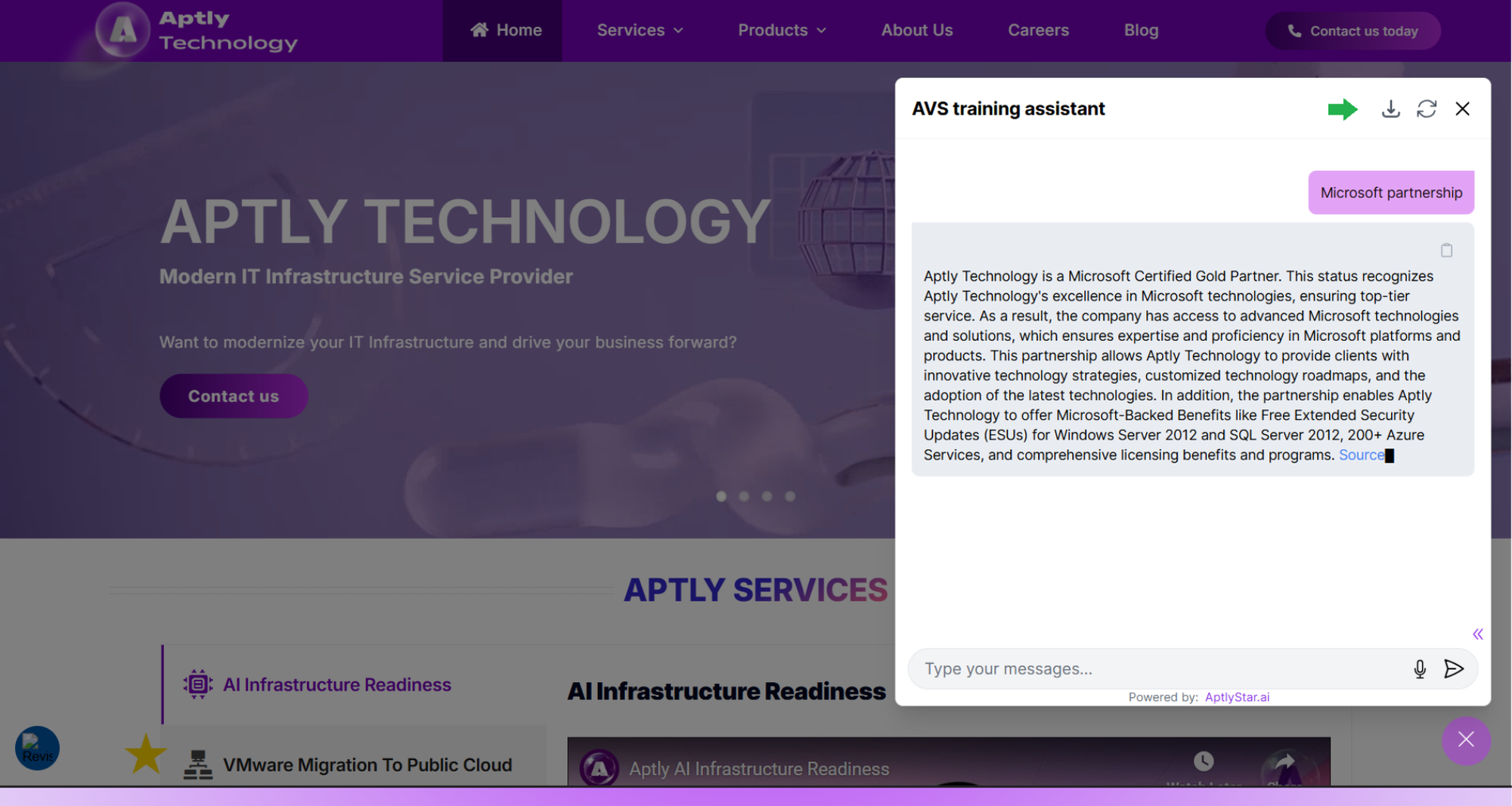
Clicking the chat icon will open the chat widget for interaction.
Agent Widget: Open State with Query
2
Step 2: View Conversations in AptlyStar Portal
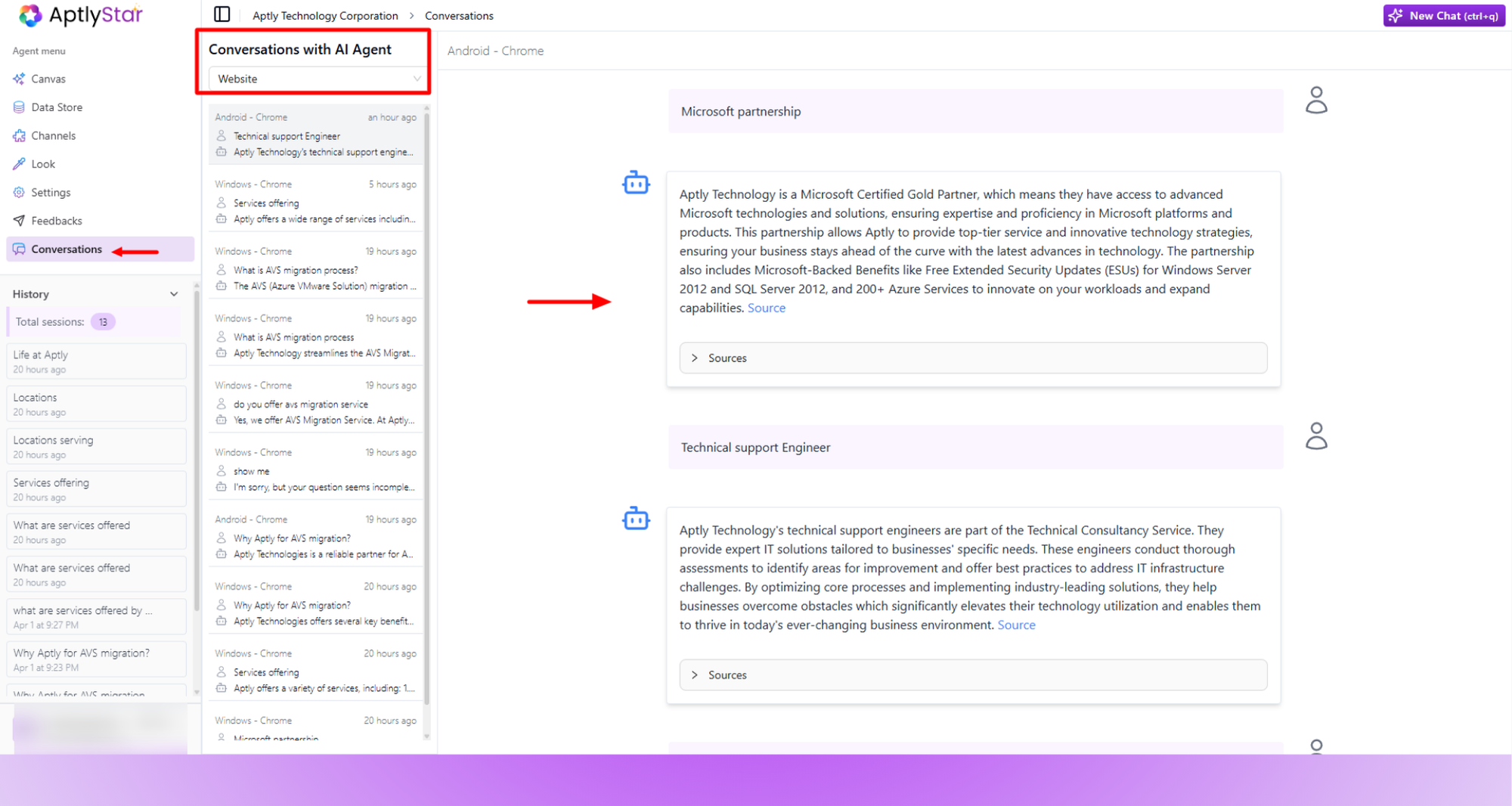
After integration, user conversations are recorded in the AptlyStar portal.
Navigate to your agent dashboard
Click on the Conversations tab in the sidebar
Filter by platform, session, or keyword to review exchanges